
Cutting the Cord: 7 Steps Before You Cancel Cable in 2026
Most people who cancel cable are happy they did it. The few who regret it usually rushed: they cancelled on a Friday, found out on Saturday that their Wi-Fi couldn't reach the bedroom TV, and spent the weekend without the game. A bit of planning avoids all of that. Work through this list before you call your cable company.
1. Write down what everyone actually watches
Ask each person in the house for their top five channels or shows. Include sport, news, kids' channels and anything watched in another language. This list tells you what you really need, and you'll probably notice it's much shorter than the 300 channels you're paying for.
2. Check your contract
Look for an end date and an early termination fee. Some contracts make it cheaper to wait a month or two. Also note any equipment you'll need to return, like the cable box and remote, so you're not charged for them later.
3. Test your internet in every room
Run a speed test in the evening on each TV you plan to use. HD needs roughly 10 Mbps per screen and 4K about 25 Mbps. If a room is weak, fix it now with a network cable, a mesh Wi-Fi point or by moving the router, not on the night of a big match.
4. Pick your devices
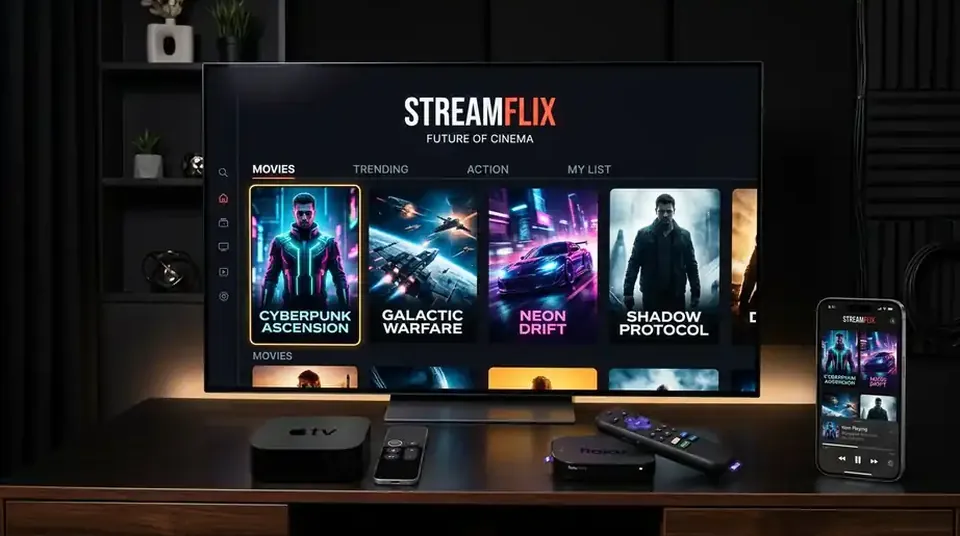
Many Smart TVs can run IPTV apps directly. Older TVs work well with a Firestick 4K or an Android TV box. Count how many TVs and phones might be used at the same time, because that decides how many screens your plan needs.
5. Try before you commit
Start with a one-month plan and use it alongside cable for a week or two. Make sure every channel on your list is there and that each TV in the house plays smoothly. Only then cancel the old service.
6. Keep a backup for local channels
An inexpensive indoor antenna picks up free over-the-air channels in many areas. It's a useful backup for local news and some sport if your internet ever goes down.
7. Show the family how it works
Set up favourites on each TV, show everyone how to open the app and how to use the guide. Ten minutes of help saves a week of "the TV is broken" messages.
Ready when you are
When your list is ready, compare our plans for 1 to 5 screens, and follow the installation guide for each device. Questions about any step? Our team on WhatsApp is happy to help, before you buy and after.